Using the Template Library
The Template Library is a set of ready-made documents - NDAs, letters of offer, contractor agreements, waivers, consents, payment plans and NDIS agreements - with the recipients set up and the signature fields already placed. Use one to send something today, or copy it into your own templates and adjust it to suit your business.
Where to find it
Step 1: Open the library and find a document
Click Template Library. Type in Search templates... or click a category such as HR, Legal, Finance, Consent or NDIS to narrow the list. Each card shows a preview, a short description and its categories.
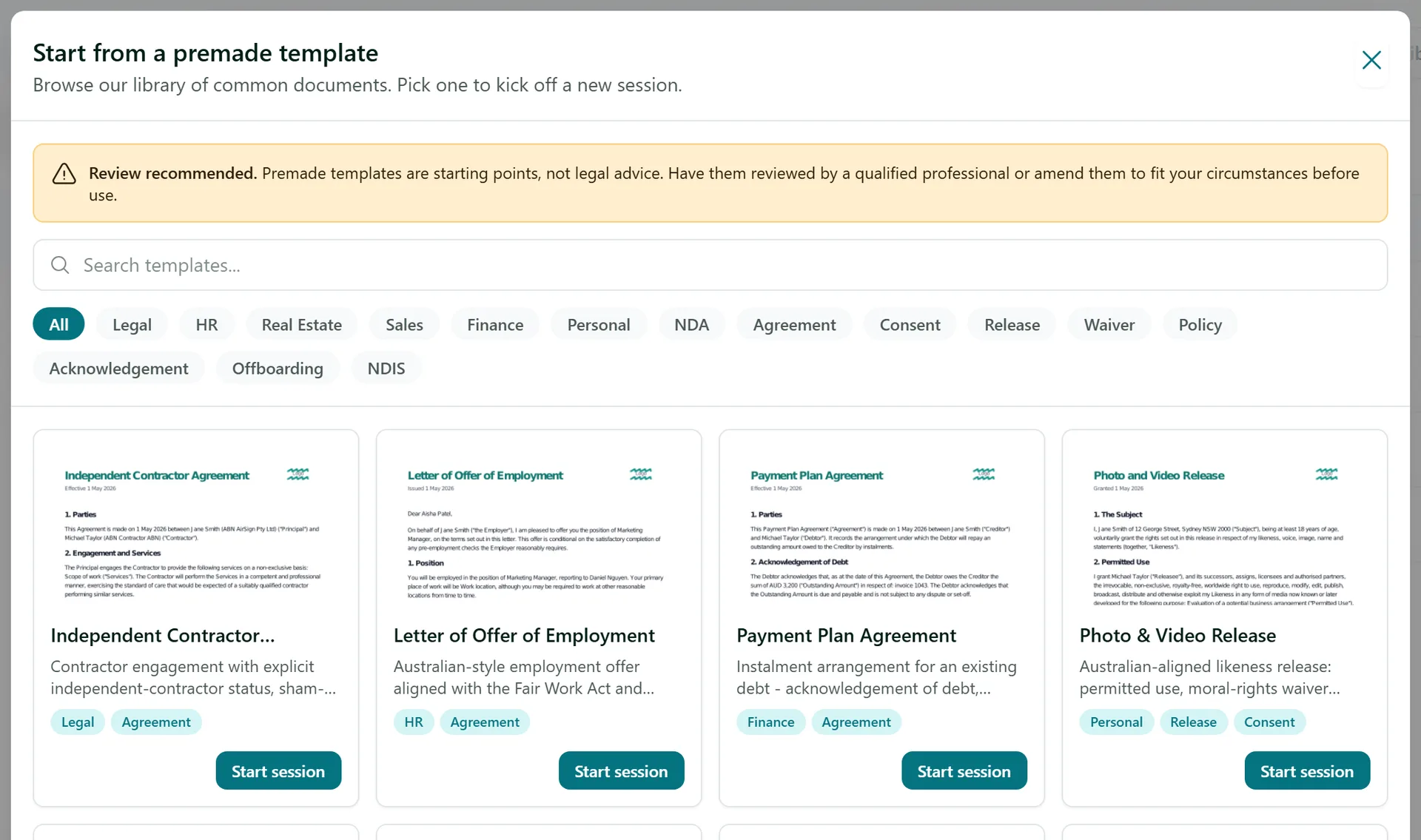
The documents are written to suit Australian law, but they are a starting point, not legal advice. Have them reviewed by a qualified professional, or amend them, before you rely on them.
Step 2: Start a session and fill in the details
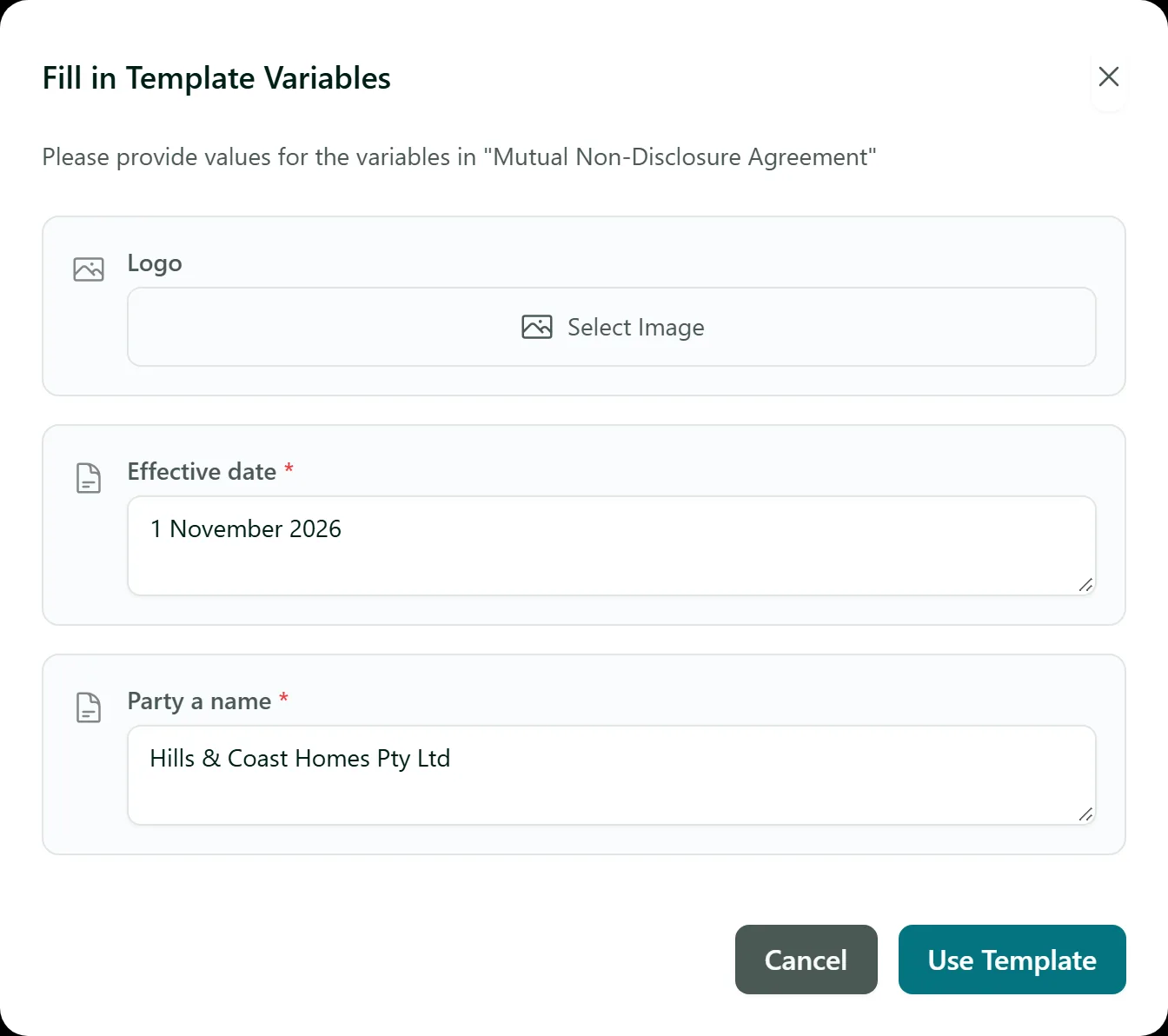
On the card you want, click Start session. Most documents ask for a few details first in the Fill in Template Variables window - the parties' names, emails and addresses, an effective date, the purpose of the agreement and so on. Fields marked with a red star are required. Click Use Template when you are done.
Step 3: Check the recipients and send
AirSign opens the session editor with the document attached and the recipients already filled in from the details you entered. Check the names and emails, add anyone else with Add Recipient, then click Next Step to review the fields on the document and send it, just like any other session.
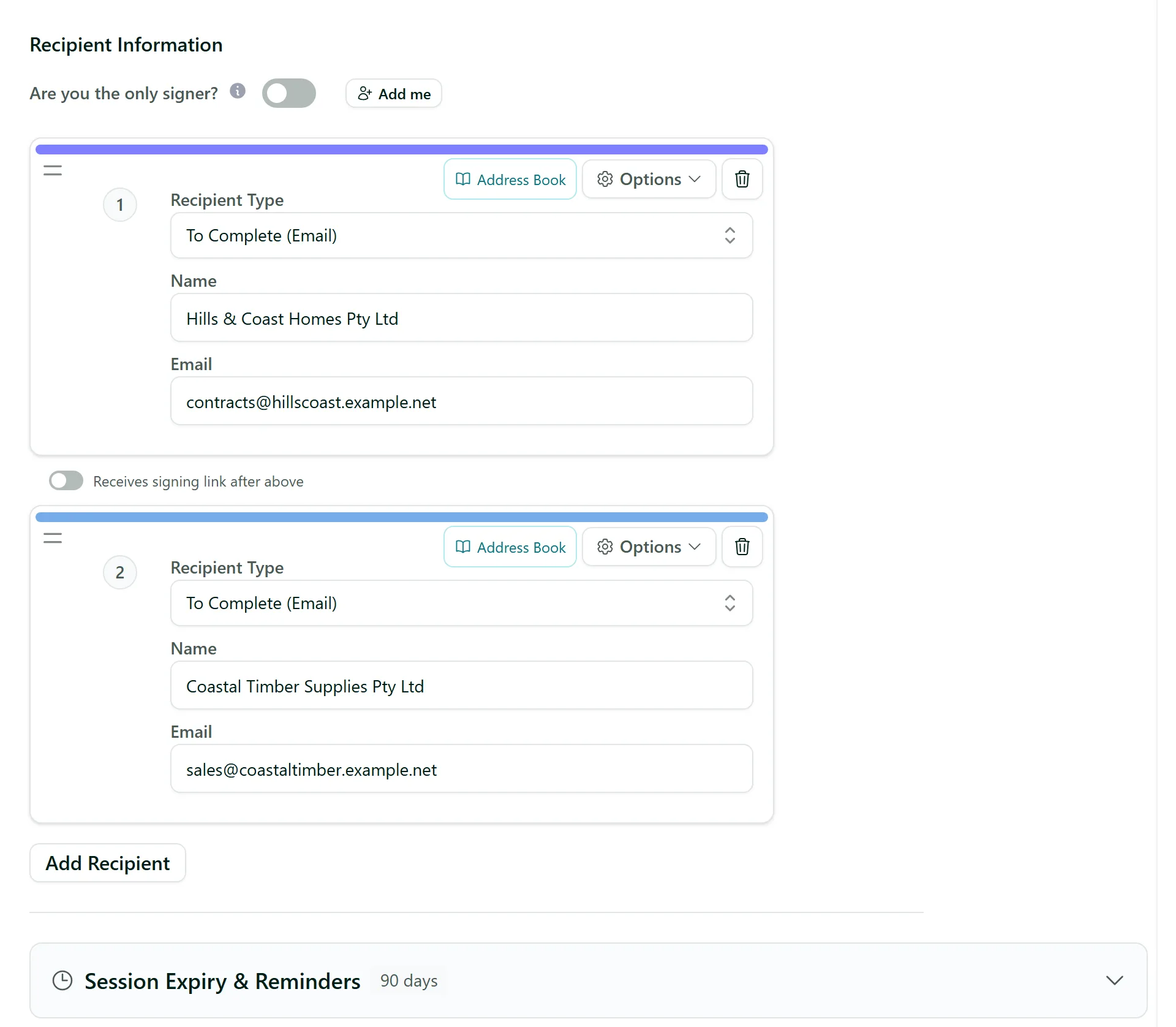
Nothing is saved until you click Save as Draft or send the session, so you can close it without leaving anything behind.
Step 4: Copy a document into your own templates
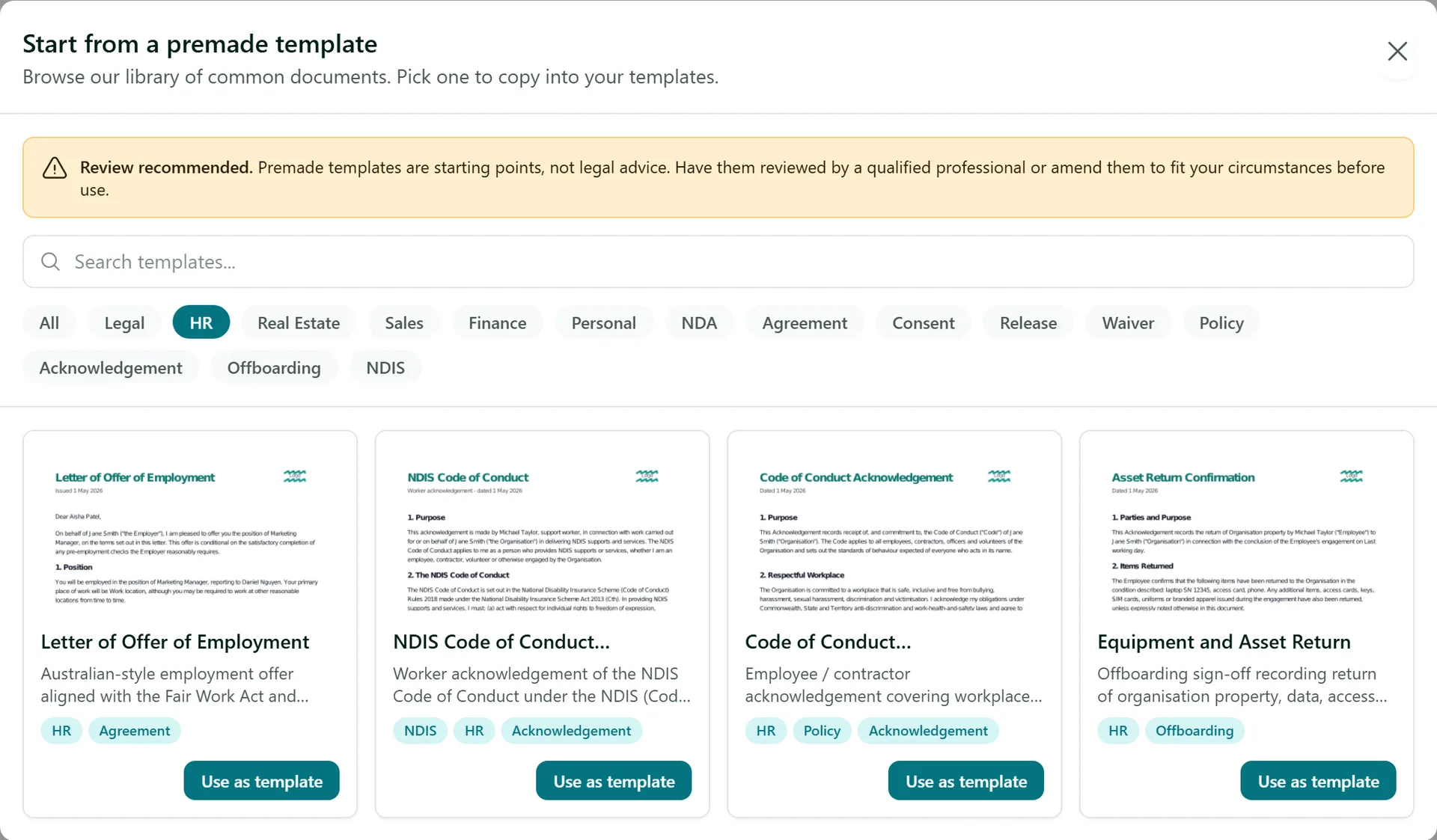
If you will send the same document again and again, open Templates and click Template Library there instead. The cards now say Use as template. Picking one opens the template editor with a copy of the document, its recipients and its fields. Change the wording, recipients or fields to suit you, then save it - the copy is yours and the library version is never changed.
Tips
- Templates that name a governing law ask for the State or Territory - it defaults to New South Wales, so change it if you are elsewhere.
- Saved your own copy? Add template variables so each send only asks for what changes.
- Tag the templates you copy so your team can find them - see Organising with Tags.
Need More Help?
Related guides: Creating Your First Template, How to Use Template Variables, Creating Your First Signing Session. See our FAQ section or email support at [email protected].