Informed Consent Form Template
Record a participant's informed consent for an activity, treatment or study. The form explains the activity, confirms participation is voluntary and acknowledges the risks and how information is handled.
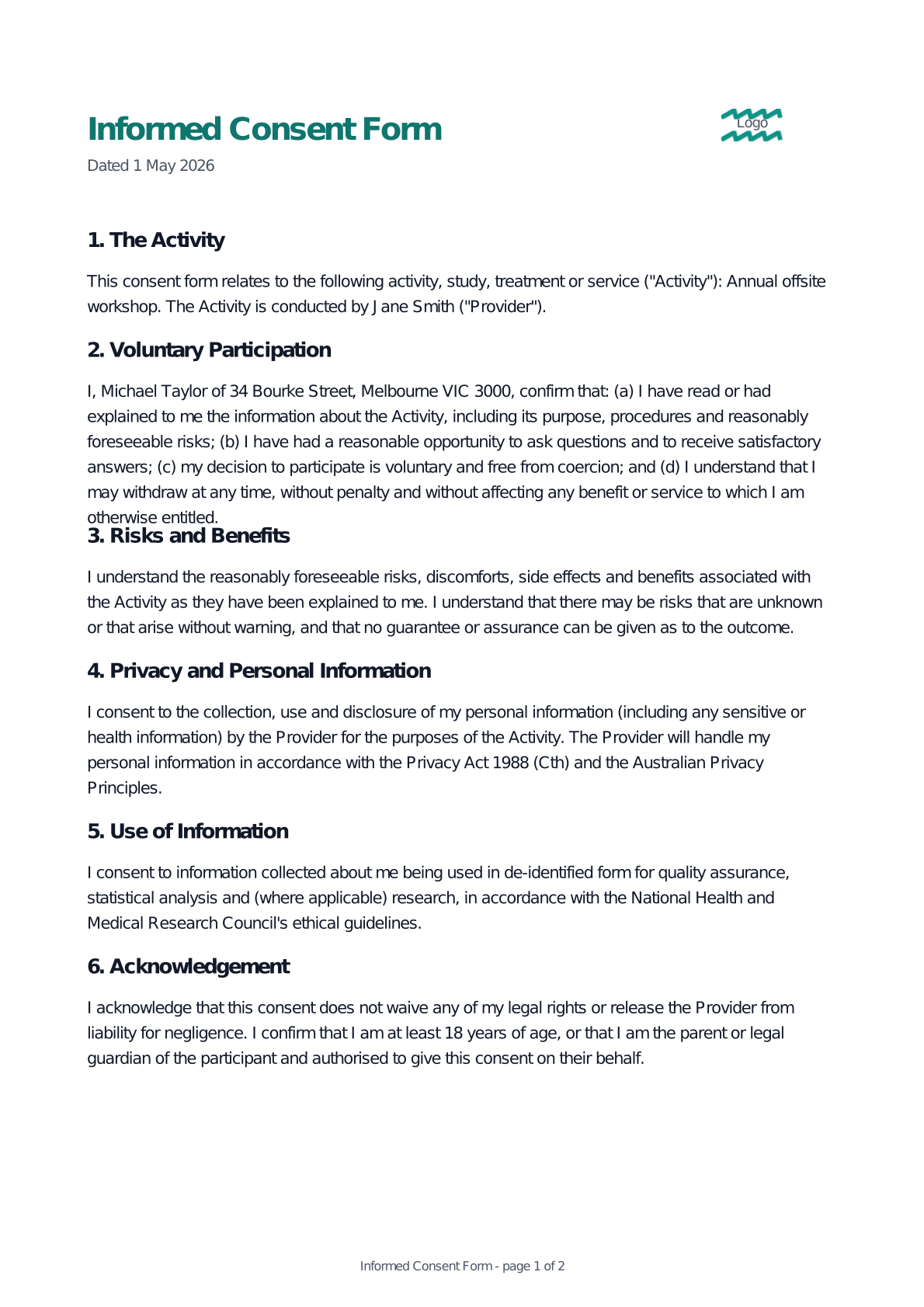
What's in this template
The Informed Consent Form covers the sections below. Each is pre-written and editable, with signing fields already placed for every party.
- The Activity
- Voluntary Participation
- Risks and Benefits
- Privacy and Personal Information
- Use of Information
- Acknowledgement
Who signs & who it's for
Signing parties (in order):
- 1Participant
Commonly used by:
- Clinics and allied health practices
- Researchers and study coordinators
- Programs needing documented consent
A starting point, not legal advice
How to send a Informed Consent Form for signing
Pick the template
Start from this template in AirSign. The document, signing fields and signer roles are already laid out for you.
Fill in your details
Enter names, dates and the other details as guided fields. Tweak any wording in the editor if you need to.
Send for signing
Send it to each party by email. They sign securely in the browser and everyone gets the completed, audit-trailed document.
Informed Consent Form - Frequently Asked Questions
Is this template legally binding in Australia?
When signed electronically through AirSign, agreements made with this template are supported by the Electronic Transactions Act 1999 (Cth) and equivalent state and territory legislation, with a complete audit trail attached to every signature. The wording is an Australian-aligned starting point - for important matters, have it reviewed by a qualified professional.
Can I customise the template before sending it?
Yes. Every field is a fillable variable - names, dates, amounts and other details are entered when you start, and the rest of the wording can be edited in the AirSign editor to suit your situation before you send.
Do the people signing need an AirSign account?
No. Signers receive a secure link by email and can review and sign in their browser - no account, app or installation required. Only the person sending the document needs an AirSign account.
Is it really free to start?
You can start from any template on the AirSign free trial with no credit card required. Browse the wording here, then create your account to fill it in and send it for signing.
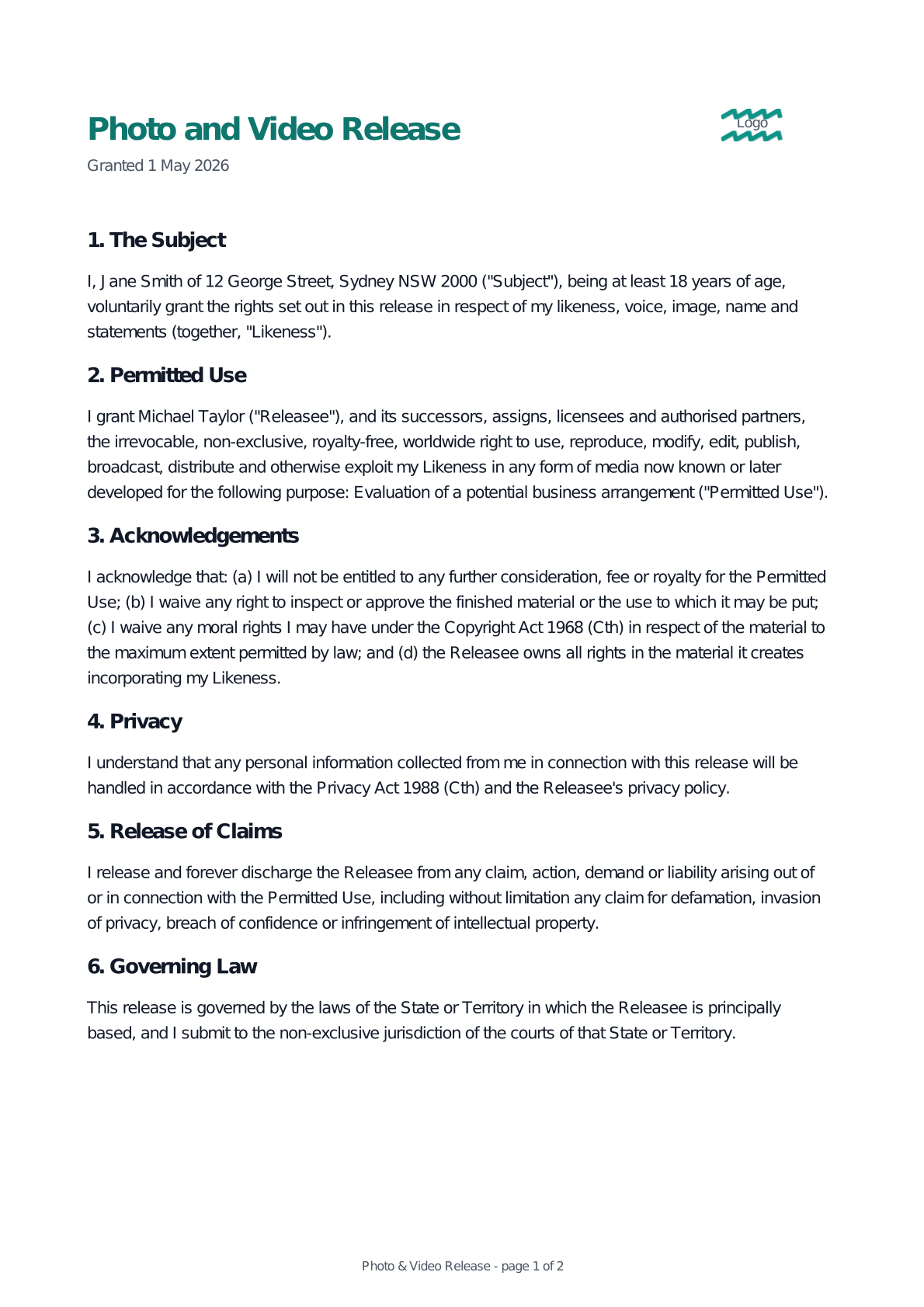
Ready to send your Informed Consent Form?
Fill in this template with your details and send it for legally binding e-signing. Try AirSign free - no credit card required.